
See how many hours your team spent on each project. Use those hours in client reports and invoices.
A time tracking app for freelancers and teams.
Log hours on iPhone or the web and see what to bill each client.
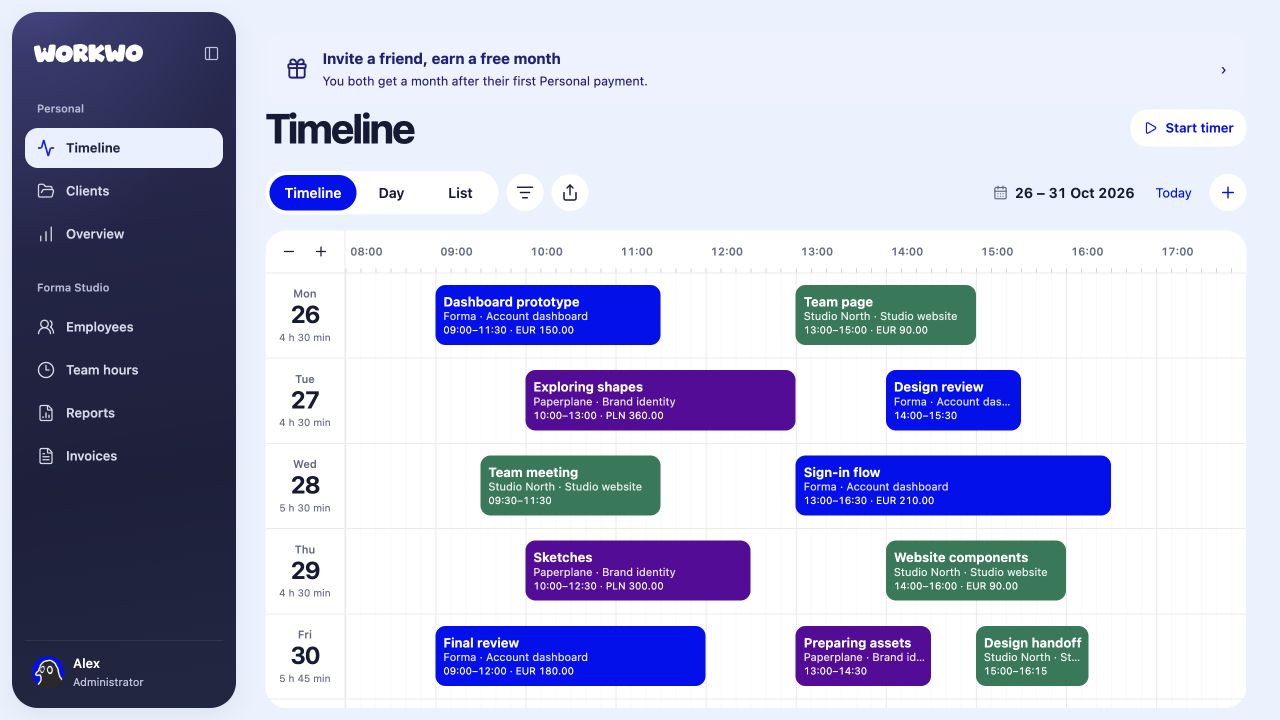
See how many hours your team spent on each project. Use those hours in client reports and invoices.


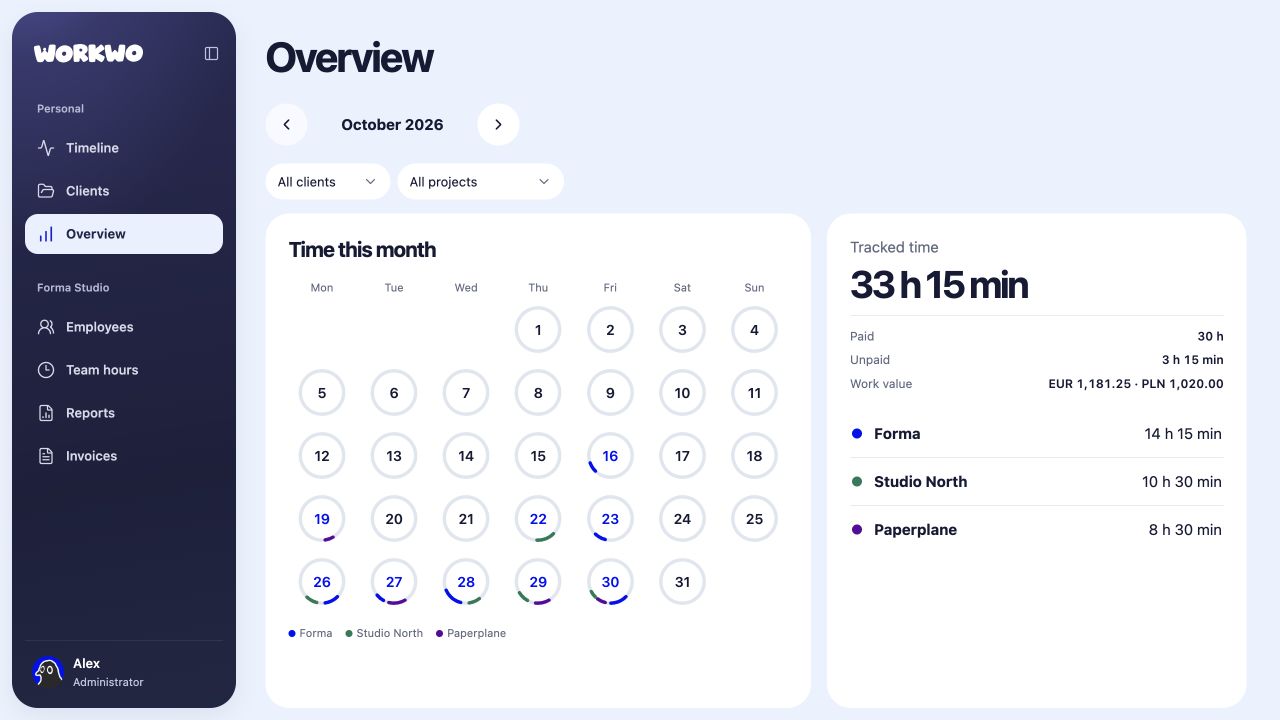
Paid hours, unpaid time and the value of your work. See the month clearly, with individual client rates and currencies kept in view.
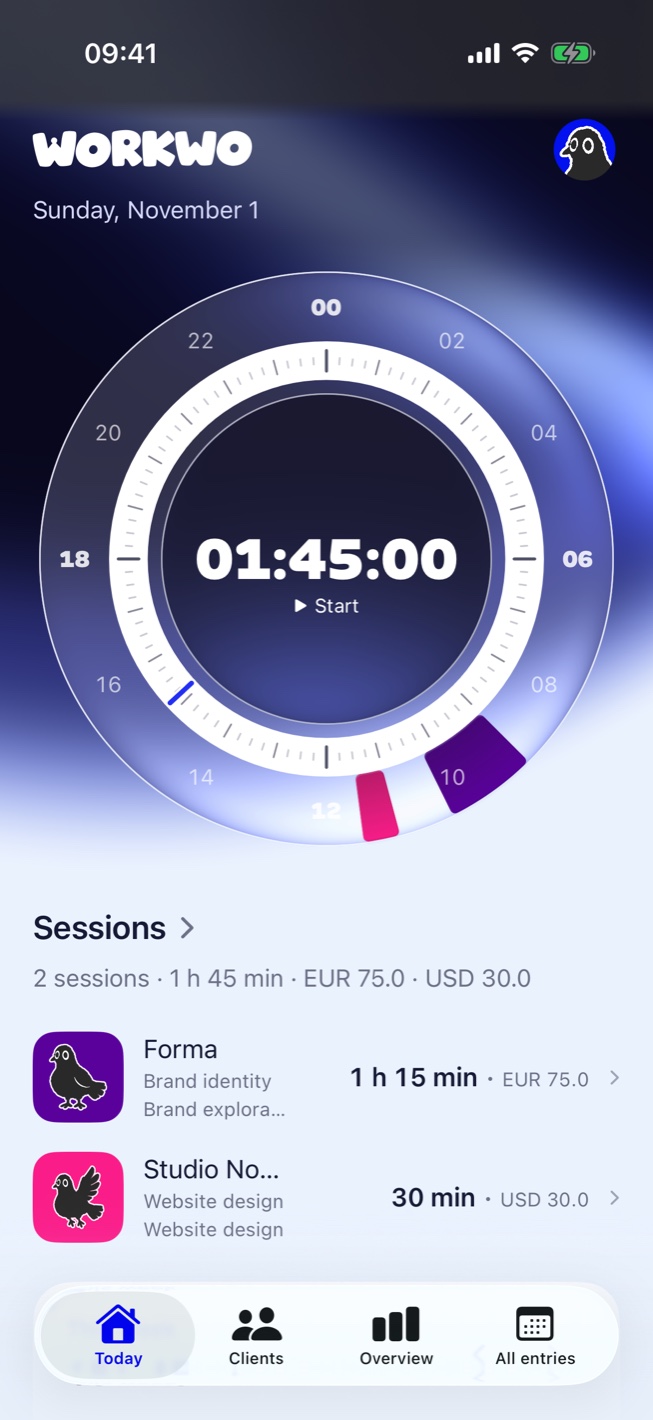
Start the timer when you sit down to work. If you started earlier, draw that time on the dial.
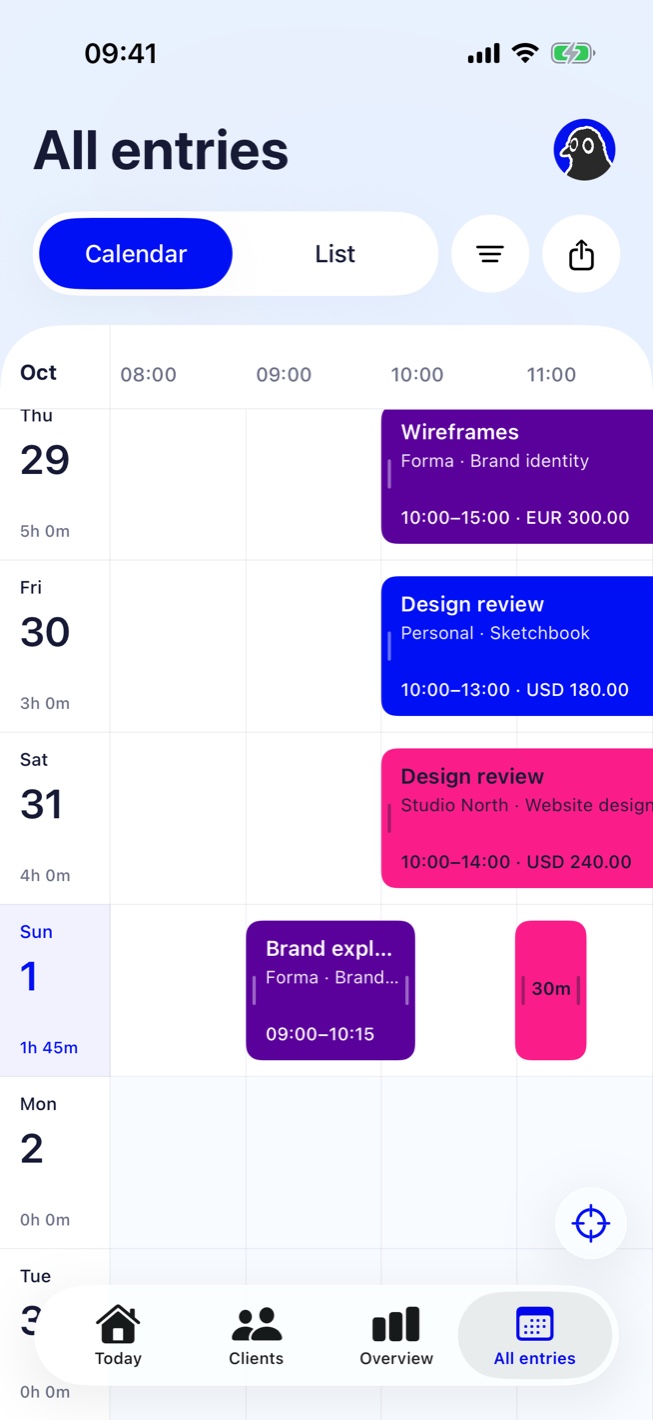
Scroll through your days, zoom in and open a session to adjust its start or finish.
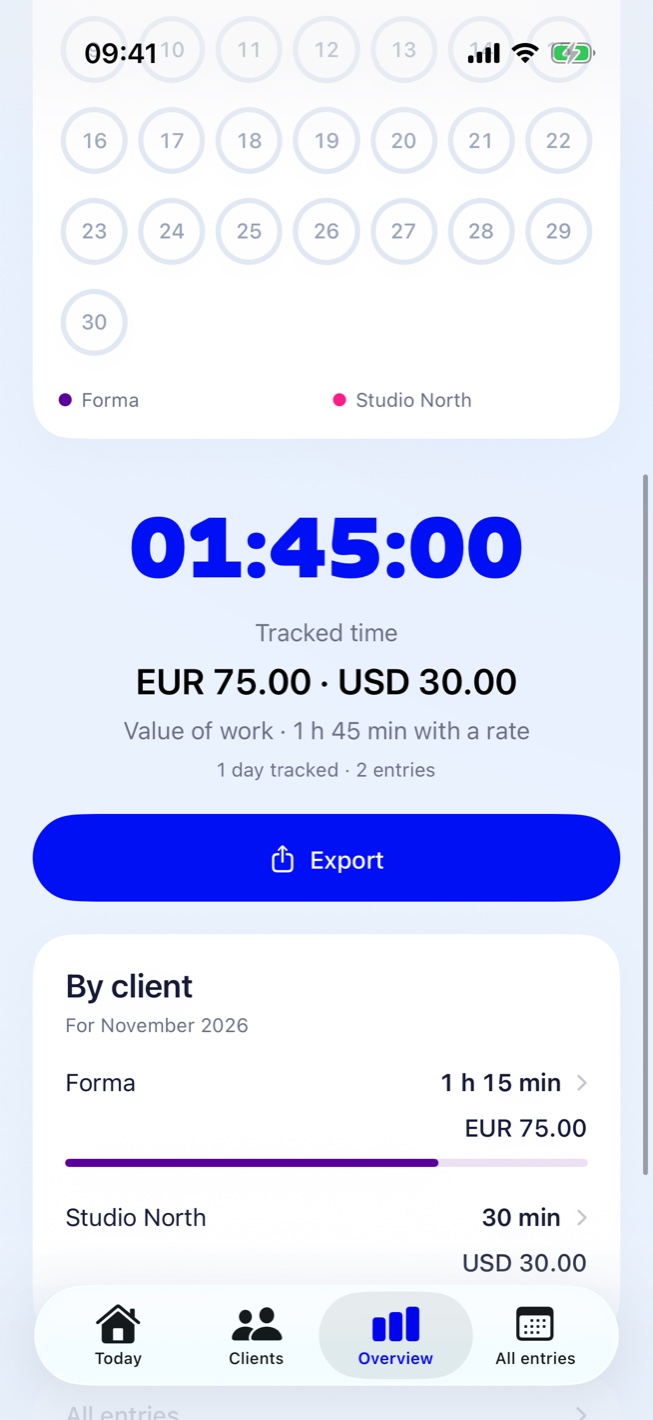
See each client’s hours and billable amount for the period you choose. Totals stay in their original currencies.
Connect your people, review their hours and bring reports and invoices together. All from your company workspace on the web.
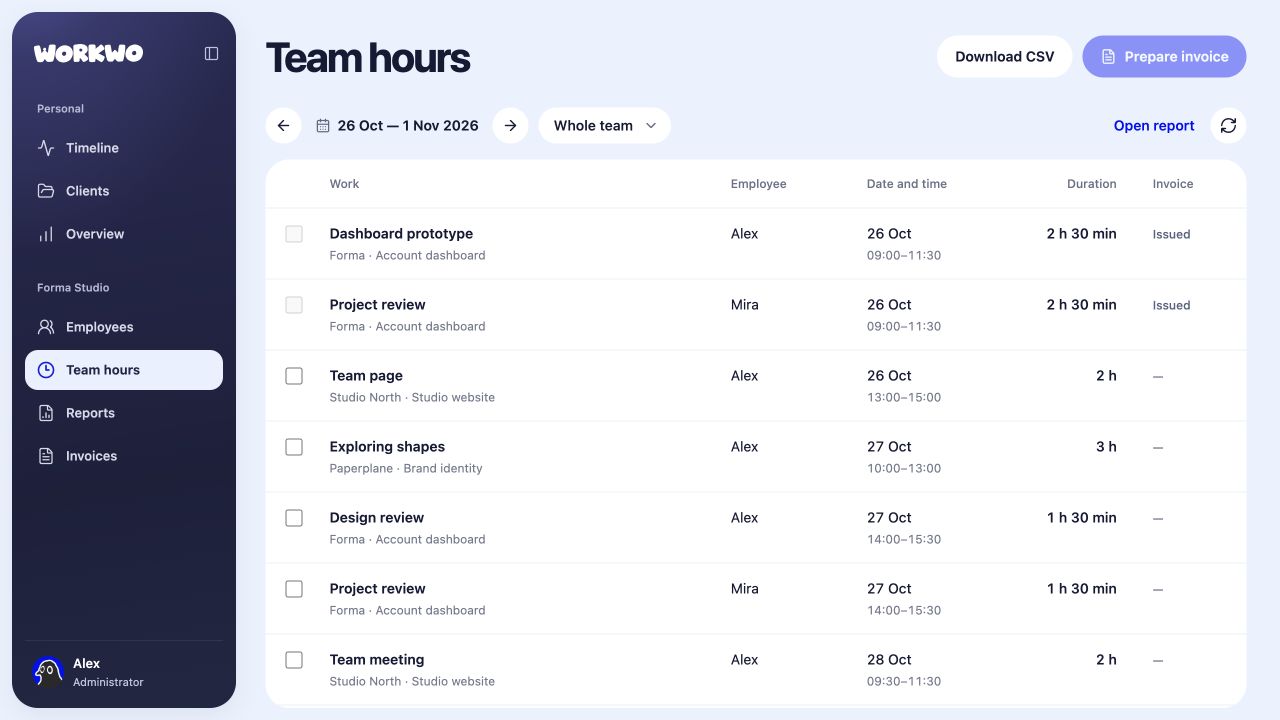
Bring people together. Manage your team, rates and invoice records.
One account for iPhone and web. Prices in USD.
For your own time and client work.
For companies keeping track of work together.
Absolutely. Track your time, organise clients and projects, and see the value of your work in a personal account. A company workspace is optional.
Sign in with the same account to access your entries, clients and projects on both. Use your iPhone to capture time, then open the web app for a wider view.
Yes. Add an entry for time you've already worked, then adjust its intervals, client, project and hourly rate. Breaks stay separate.
Once you join a company, its administrators and managers can see your work hours, including past work entries. Personal notes and time excluded from work stay in your personal space.
Workwo helps you calculate work value, review reports and prepare invoice records. Payment processing and sending invoices to clients happen separately.
Manage your team in the web app. Administrators manage people, rates and invoices. Managers review team hours and reports. On iPhone, track your own work.
Something else on your mind? Talk to us